
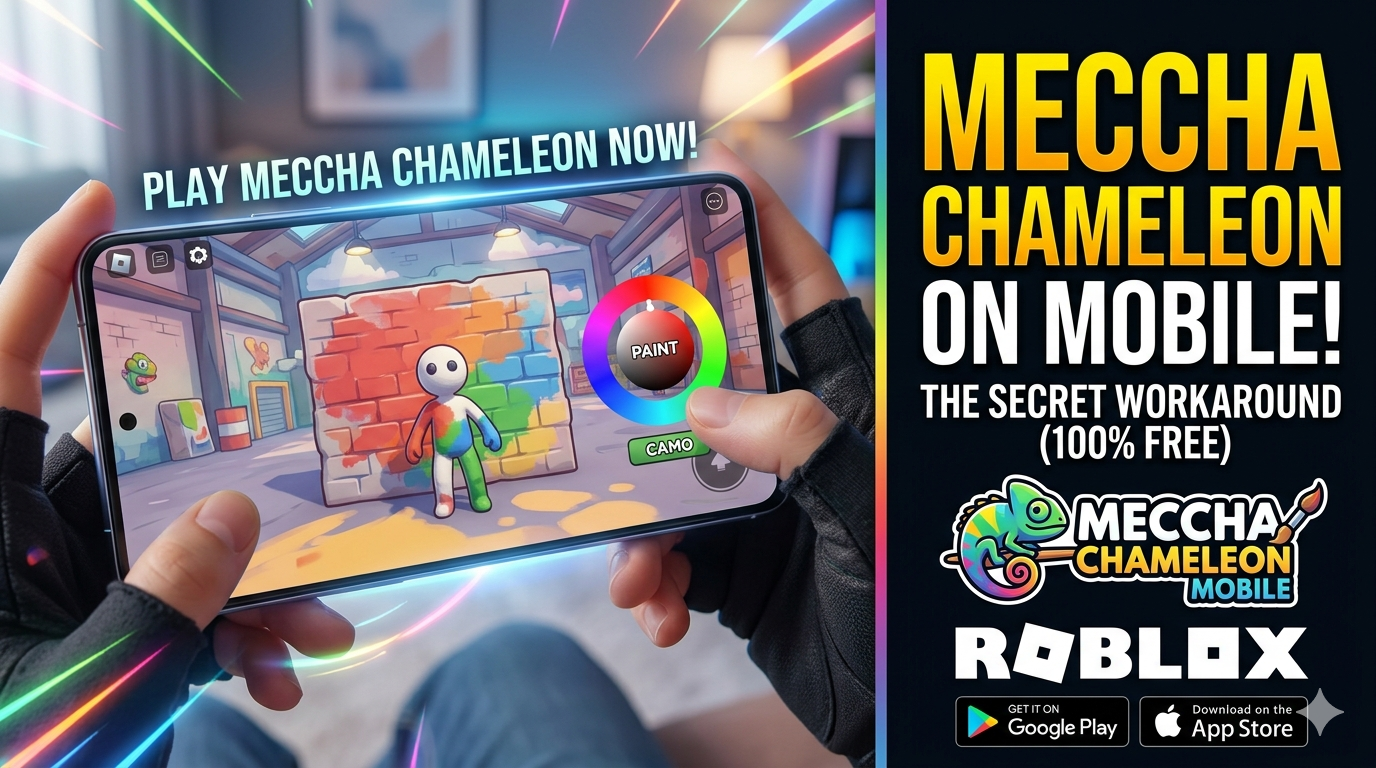
The internet has a new gaming obsession, and it goes by the name of Meccha Chameleon. Developed by lemorion_1224, this chaotic, MS-Paint style multiplayer hide-and-seek game has taken Steam by storm. Top Twitch and YouTube streamers are losing their minds over it, and the game has already racked up millions of downloads in a matter of days.
The gameplay is brilliantly simple but incredibly addictive: you start as a plain white clay doll. Your goal is to find a perfect hiding spot, pull up a color wheel, and paint your body to seamlessly blend into the background environment. If the Seekers spot you, you’re out!
But here is the frustrating part for smartphone gamers: Meccha Chameleon is exclusively available on PC via Steam, and there is no official mobile version.
If you are looking up how to download Meccha Chameleon on Android or iOS, you’ve probably noticed a bunch of sketchy APK sites promising fake setups. Don’t fall for them. Instead, we have discovered an incredible, 100% safe workaround that lets you play this viral game on your phone for completely free.
Why Meccha Chameleon Isn’t on Mobile (Yet)
Right now, Meccha Chameleon is built strictly for Windows 10 (64-bit) systems. The solo developer is currently stretched thin trying to fix server bottlenecks and roll out fresh maps like Sugarland and Penguin Hotel for the exploding PC player base.
While an official mobile port could take months—or even years—to hit the market, mobile gamers don’t actually have to wait.
The Ultimate Workaround: Play Meccha Chameleon via Roblox
The absolute best way to experience Meccha Chameleon on your smartphone is through Roblox.
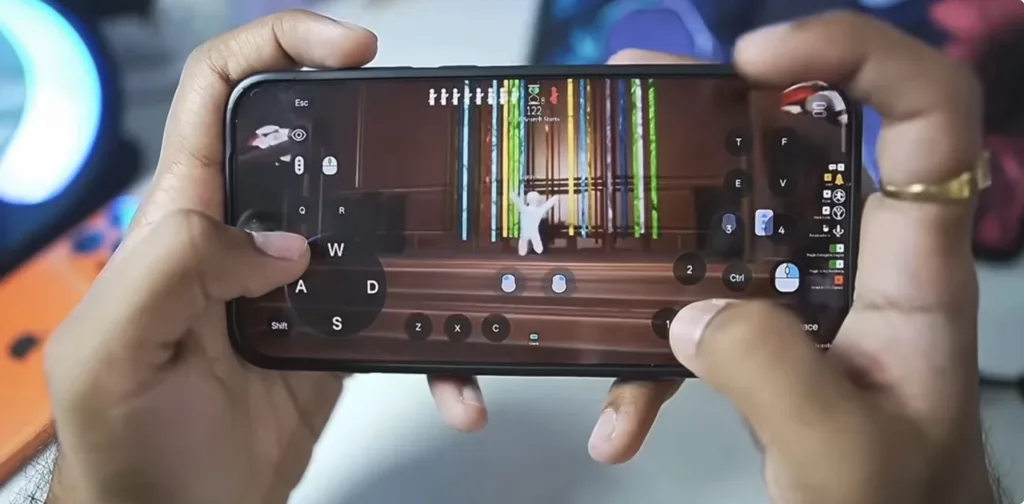
Thanks to Roblox’s powerful creation suite, talented creators have built 1:1 replicas of the game’s exact mechanics inside the platform. These custom custom games feature the exact same “Paint and Hide” rules, MS-Paint toolkits, color matching, and high-stakes matches.
Here is exactly how to get it running on your device right now:
Step 1: Install the Official Roblox App
First, you need the base platform. Grab the official app safely from your respective app store:
- For Android Users: Download Roblox on the Google Play Store
- For iOS Users: Download Roblox on the Apple App Store
Step 2: Set Up a Free Account
Open the app, sign up for a quick free account (or log in if you already have one), and head over to the main dashboard.
Step 3: Jump into the Best “Meccha Chameleon” Clones
Tap the search icon at the top right of your Roblox home screen. To find the highest-quality, fully populated versions of the game, search for these exact titles:
- Paint and Seek: Play the featured version on Roblox Paint and Seek Experience
- Color Hide and Seek: Check out active servers via Roblox Color Hide and Seek
- Camo Hide & Seek: Dive into the action on Roblox Camo Hide & Seek
Quick Tip: Always pick the rooms that show the highest active player count and a positive rating above 80%. This ensures you get smooth touch controls, active lobbies, and matching color pallets that mimic the original Steam game perfectly.
What Makes the Mobile Workaround So Good?
By using the Roblox method, you are getting the full $5.99 Steam experience completely free of charge. Here is what makes it worth your time:
- Flawless Touch Controls: The color wheel and camera angles are fully optimized for mobile screens, making it incredibly easy to dye your avatar and strike a quick camouflage pose.
- Proximity Hiding: Just like the PC version, you can manipulate your character’s stance to squeeze behind tight spots, boxes, and pillars.
- Play with Friends: You can easily set up private servers or join Discord calls to experience the chaotic fun with your squad.
- Zero Lag on Budget Phones: While the original PC game requires decent graphic specs, the Roblox version runs smoothly on almost any budget Android or iOS device.
Alternative Option: Cloud Streaming (Steam Link)
If you already own the official game on PC and simply want to play that exact version from your couch using your phone, you can use the official Steam Link app.
- Download the Steam Link app onto your phone.
- Ensure both your gaming PC and your phone are hooked up to the same high-speed Wi-Fi network.
- Launch the game on PC and stream it directly to your mobile screen using custom touch layouts.
Note: This is only practical if you have a solid, high-speed internet connection and a pre-existing gaming PC.
Frequently Asked Questions (FAQs)
Is there an official Meccha Chameleon APK for Android?
No. Any website claiming to offer a direct “Meccha Chameleon APK download” for Android is unauthorized and potentially unsafe. Stick to verified platforms like Roblox or Steam Link.
Do I need to spend money or Robux to play this game?
Not at all. The Paint and Seek custom games inside Roblox are 100% free to access and play.
When will Meccha Chameleon officially launch on Mobile?
The developer hasn’t dropped an official mobile roadmap yet. Given the game’s sudden viral boom in mid-2026, the current priority is keeping the PC servers stable.
Final Verdict
You don’t need a beefy desktop setup to be part of the chameleon hype. By jumping into Roblox on your phone, you get the exact same thrill of painting your character, sweating out a countdown, and laughing at terrible camouflage attempts.
Go ahead, download the app, find your favorite room, and show everyone who the real master of disguise is!